Starting a business often starts with a simple customer list. Company names, contact persons, phone numbers, email addresses, and a few notes from past conversations can become surprisingly useful later.
CRM software is helpful, of course. But when the number of customers is still small, Excel is often easier to start with. These free customer contact list templates are simple, editable, and suitable for small businesses, freelancers, and new sales teams.
When working with Japanese companies, one small point matters: customer information is often managed by company name, department, job title, and contact person. If you only write the person’s name, it can become confusing later, especially when several people from the same company are involved.
Free Customer Contact List Templates for Excel
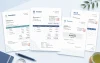
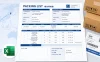
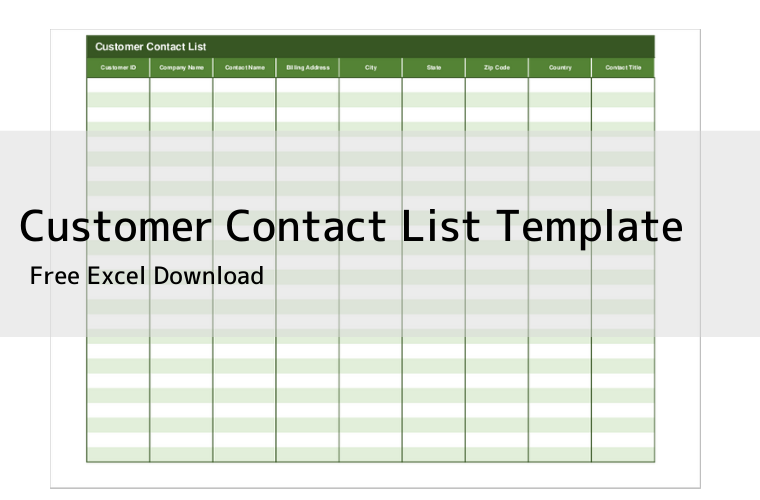
You can download free Excel customer contact list templates below. These templates are useful for customer management, sales contact lists, client records, and simple CRM-style tracking.
Click the thumbnail image to see a larger preview. Use the “Go to download page” button below each image to open the download page.
What You Can Manage with a Customer Contact List
- Customer code or customer ID
- Company name
- Department name
- Contact person
- Job title
- Phone number
- Email address
- Address
- Notes and follow-up details
A customer contact list does not need to be complicated. In fact, a common mistake is adding too many columns at the beginning. It looks complete, but people stop updating it because the list feels too heavy.
Start with the items you actually use. Company name, contact person, phone number, email, and notes are usually enough for a first version. You can always add “Last contact date,” “Next action,” or “Status” later.
Personally, I find it easier to keep a simple “Notes” column at first. You can write small details there, such as “prefers email,” “quotation sent,” or “follow up next month.” If the same kind of note appears many times, then it may be worth making it a separate column.
Customer Contact List Templates
Customer Contact List Template 01
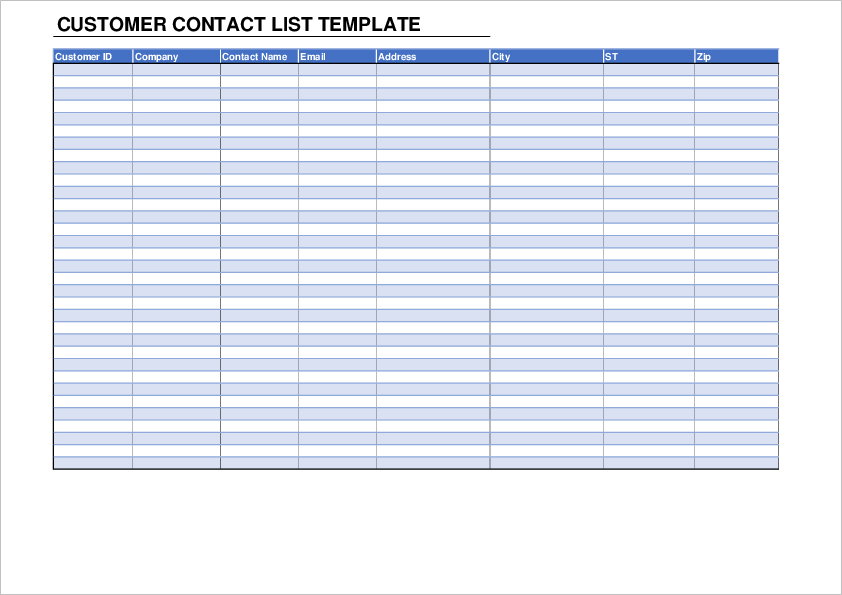
Customer Contact List Template 02
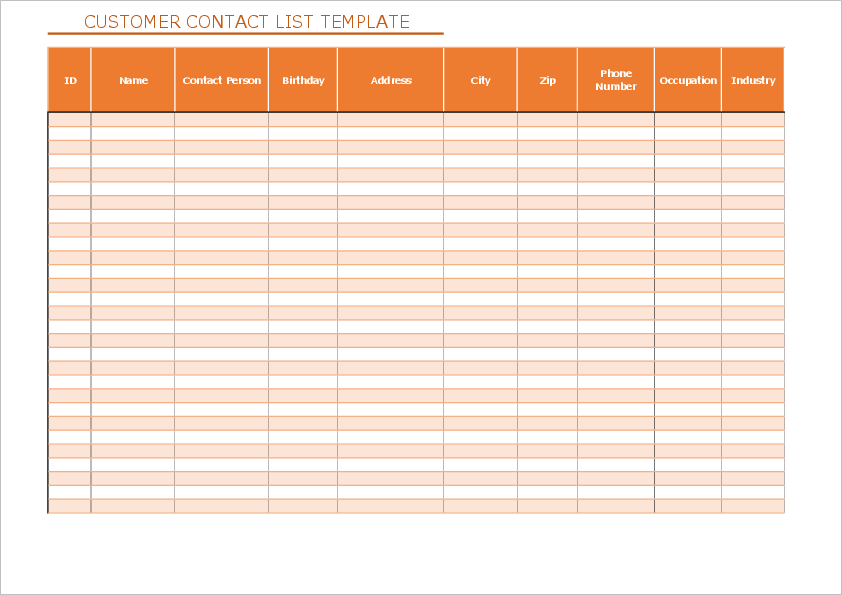
Customer Contact List Template 03
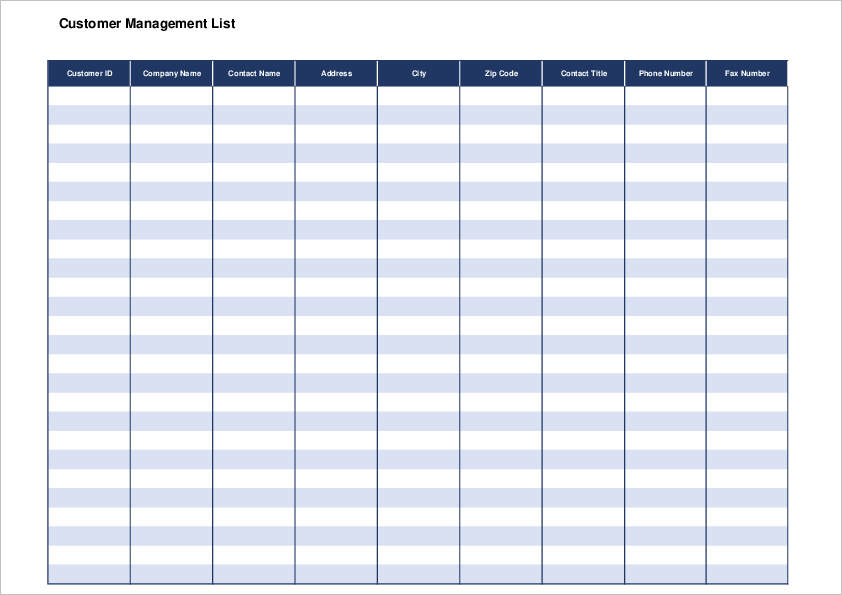
Customer Contact List Template 04
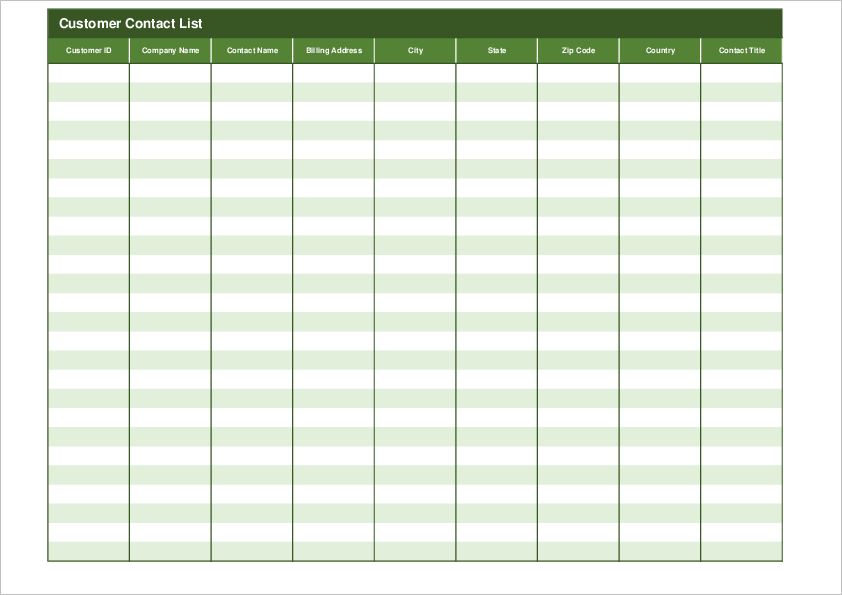
How to Use a Customer Contact List in Excel
First, download the template that is closest to the way you manage customers. Then open it in Excel and replace the sample items with your own customer information.
For business customers, it is better to separate the company name and contact person. This is especially useful when one company has several departments, or when the person in charge changes later.
If you are using the list for sales work, add columns such as “Last contact date,” “Next action,” or “Status.” These small fields make follow-up much easier. Without them, the file can quickly become just an address book, and it becomes harder to see what should be done next.
For Japanese business contacts, you may also want to include department names and job titles. In Japan, the department and title are often used when addressing someone formally, preparing documents, or checking who should receive a quotation or invoice. It feels like a small detail at first, but it saves time later.
When Excel Is Enough, and When CRM Software Is Better
Excel is enough when the number of customers is still small, the list is managed by one person or a small team, and you only need simple contact information.
However, CRM software may be better when several people need to update the same data, when you need automatic reminders, or when sales history becomes more complex. Excel is a good starting point, but it should not become a place where important customer information gets buried.
If you plan to move to CRM software later, keep your Excel list clean. Use one row per customer or contact, avoid merging cells, and keep item names simple. This makes it much easier to import the data when you change systems.
Tips for Managing Customer Information
Customer information should be easy to find, but it should not be handled carelessly. Avoid storing unnecessary personal information, and make sure only the people who need the list can access it.
It is also useful to decide simple rules before the list grows. For example, how to write company names, whether to include honorifics, how to enter phone numbers, and who is allowed to update the file.
This sounds like a small detail, but it matters. When customer names are written in different ways by different people, searching and sorting becomes messy very quickly. I have seen lists where the same company appeared three or four times under slightly different names. It is not a big problem on day one, but it becomes annoying when you need to send a quotation quickly.
Common Mistakes When Creating a Customer List
One common mistake is mixing company information and personal contact information in the same field. For example, writing the company name, department, and contact person all in one cell may look fine at first, but it makes sorting and filtering difficult.
Another mistake is not deciding who updates the list. If several people edit the same Excel file without rules, old phone numbers and duplicate records can stay there for a long time. For a small team, even a simple rule such as “the sales person who contacted the customer updates the row” can help.
When dealing with Japanese companies, also be careful with branch offices and departments. A large company may have a head office, branch office, sales department, accounting department, and purchasing department. If these are not separated clearly, documents may be sent to the wrong person or the wrong department.
Summary
A customer contact list is one of the first tools a small business needs. CRM software can come later, but at the beginning, an Excel template is often faster and easier to use.
Start with a simple customer contact list template, add only the fields you really need, and keep the data clean. That alone makes customer follow-up, sales management, and daily communication much smoother.