Need a simple business report template for Excel? On this page, you can download free daily report, weekly report, and monthly report templates for business use.
Business reports are often treated as routine paperwork, but they can be surprisingly useful when the format is clear. A daily report helps record what happened today. A weekly report shows progress and issues over the week. A monthly report gives managers a broader view of results, targets, and next steps.
In many Japanese companies, regular reports are still used to share work progress with managers and other departments. The point is not to write long, perfect sentences. In fact, short and specific notes are usually easier to check, especially when a manager reads several reports at the end of the day.
The templates below are simple Excel formats, so you can edit the items, change the wording, and adjust them to match your workplace.
Free Business Report Templates for Excel
You can download free Excel business report templates below. These templates include daily reports, daily sales reports, weekly reports, monthly business reports, and monthly sales reports.
Click the thumbnail image to see a larger preview. Use the “Download” button below each image to download the template.
- Daily report templates: for daily work records, progress, issues, and next tasks
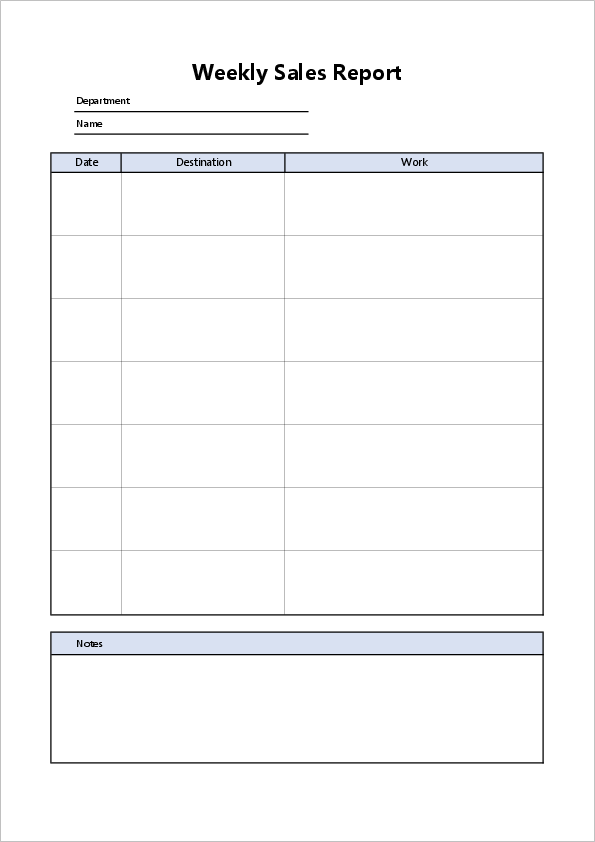
- Daily sales report templates: for customer visits, calls, sales results, and follow-ups
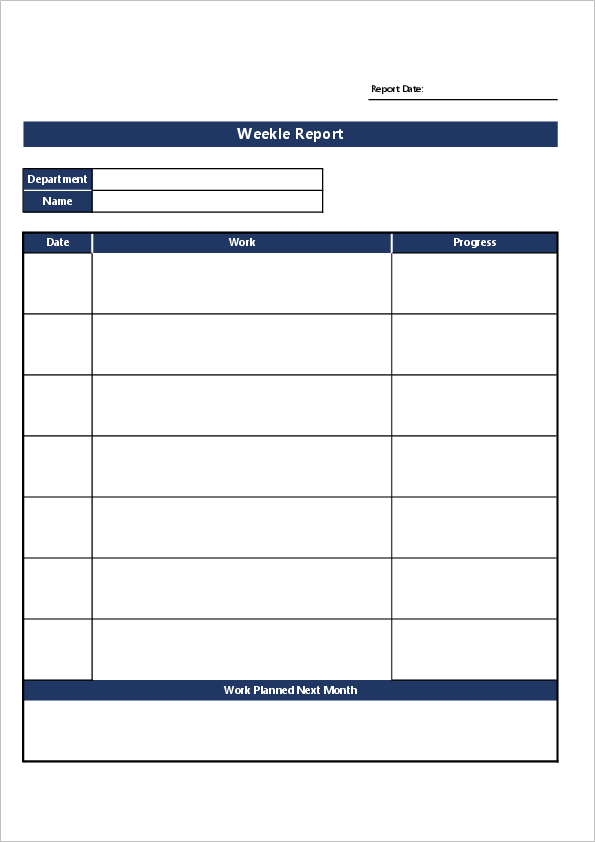
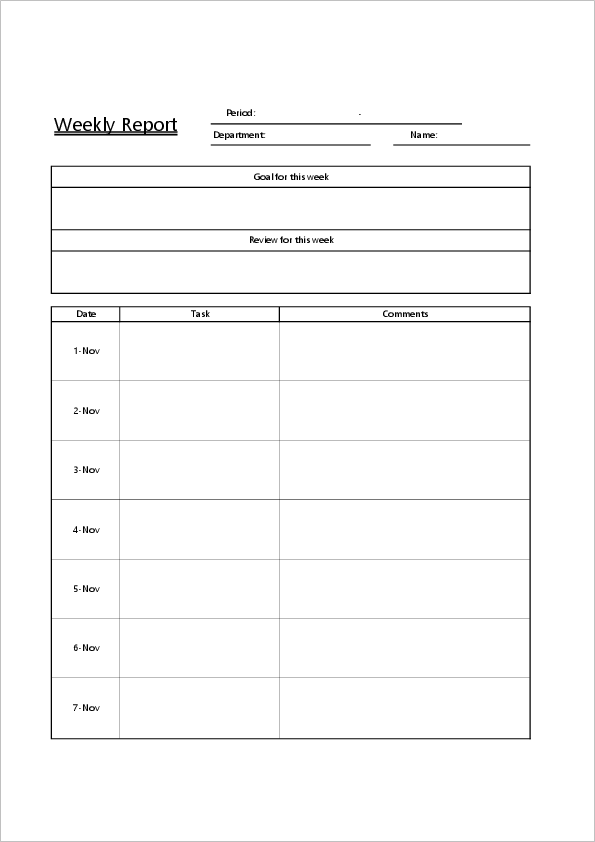
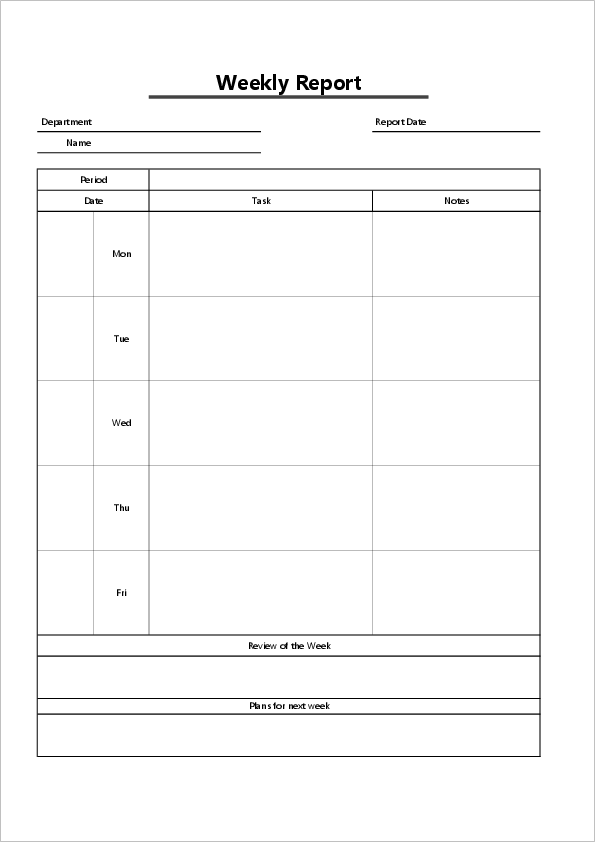
- Weekly report templates: for weekly progress, achievements, problems, and plans
- Monthly report templates: for monthly results, goals, reflections, and department reports
- Monthly sales report templates: for sales totals, costs, profits, and sales activities
Daily Report Templates
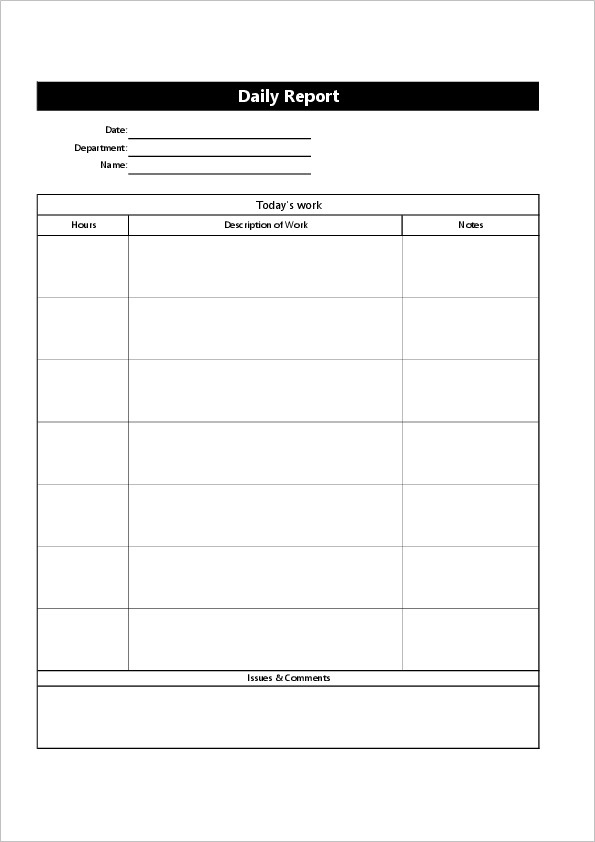
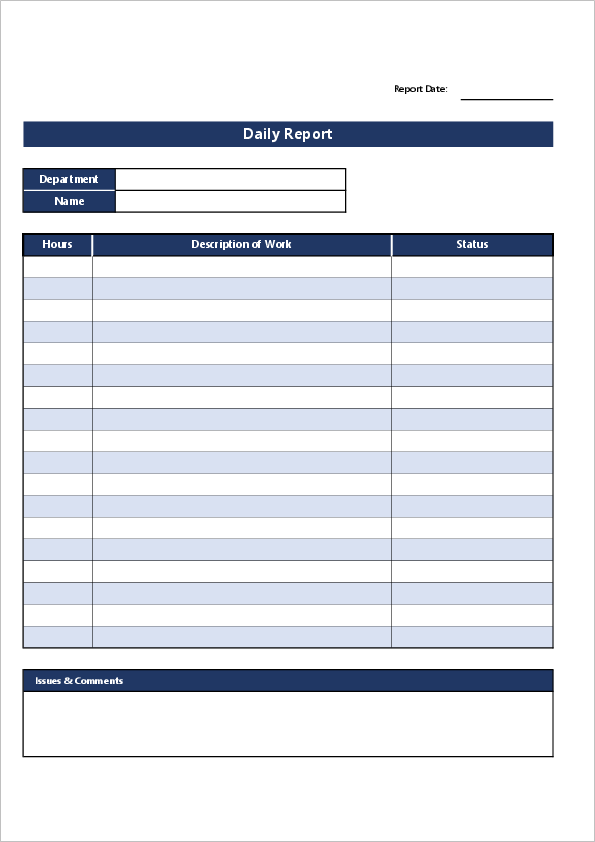
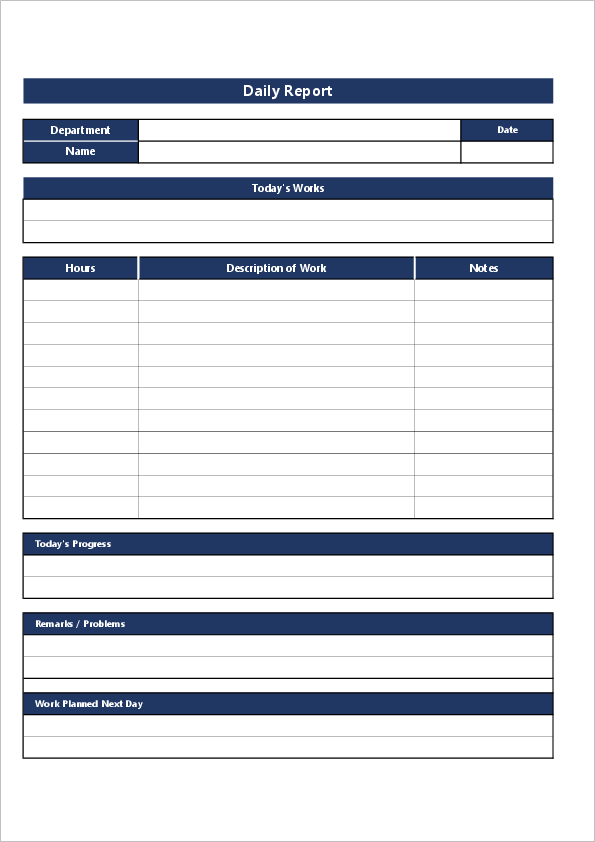
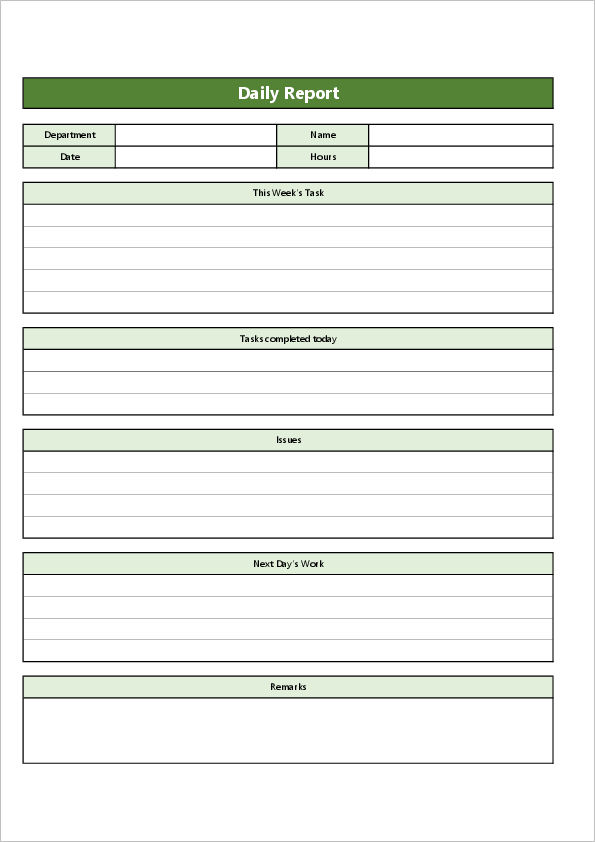
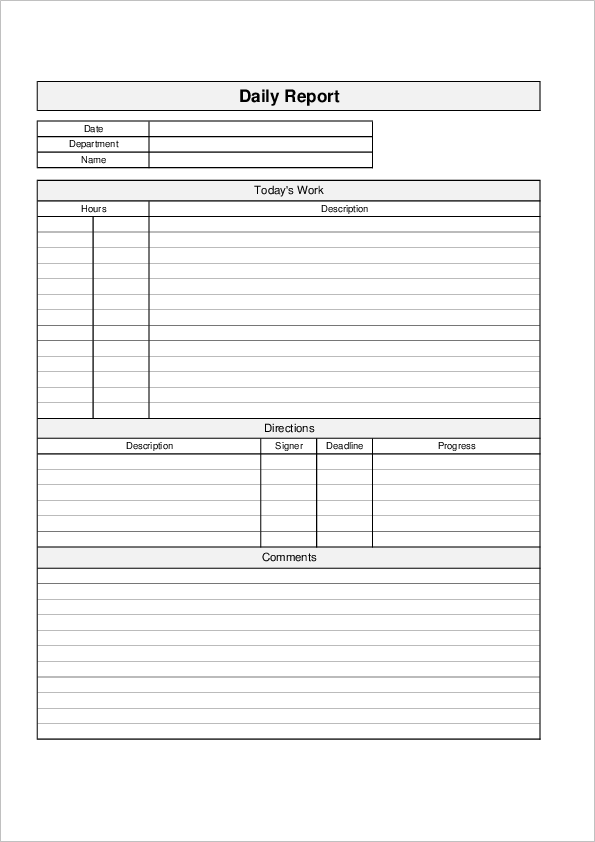
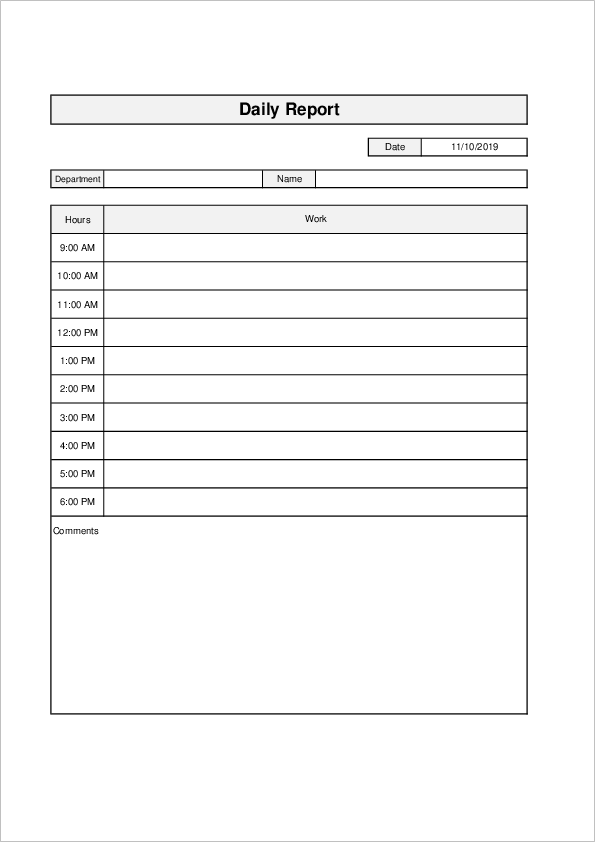
Daily reports are useful for recording what you worked on during the day, what changed, and what needs to be followed up tomorrow.
For new employees, a daily report can also work as a simple learning record. For managers, it makes it easier to check progress without asking the same questions again and again. I would not make it too detailed, though. Once the report becomes too heavy, people start writing vague sentences just to finish it.
If you need a Japanese-language format, you can also see our Japanese daily report templates.
Daily Sales Report Templates
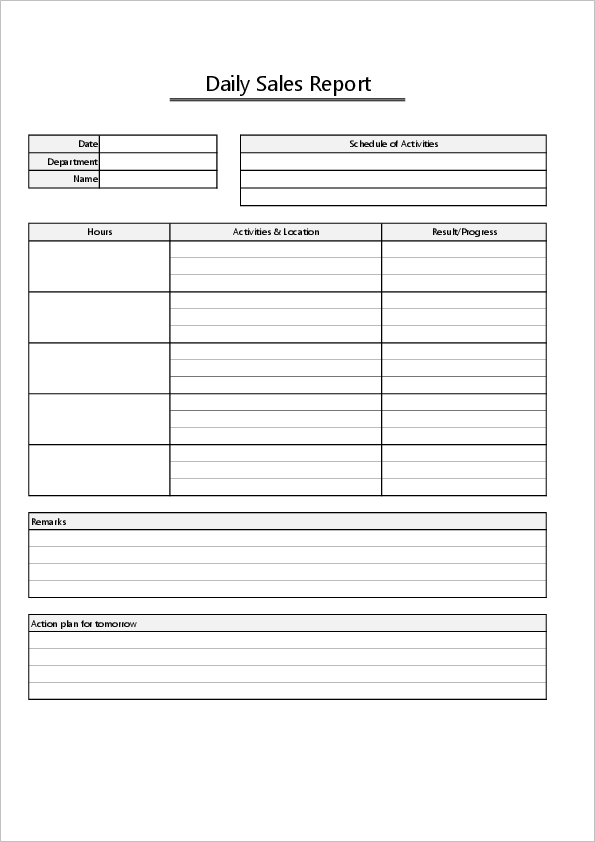
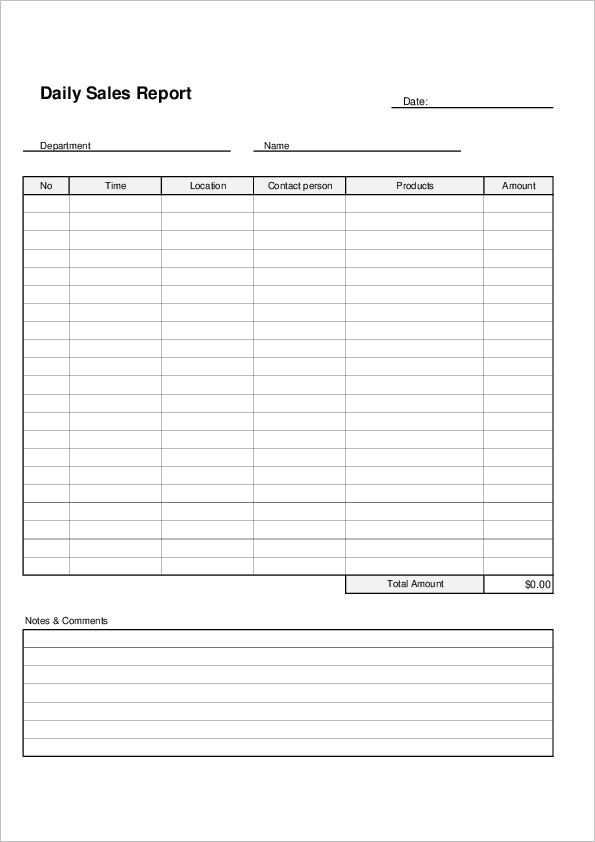
Daily sales reports are useful when you need to record sales visits, customer follow-ups, proposals, orders, or sales results.
For sales work, the next action is often more important than the activity itself. “Visited Client A” is not enough. It is much easier to manage later if you write something like “Client A is interested in Plan B. Follow-up email needed by Friday.”
Weekly Report Templates
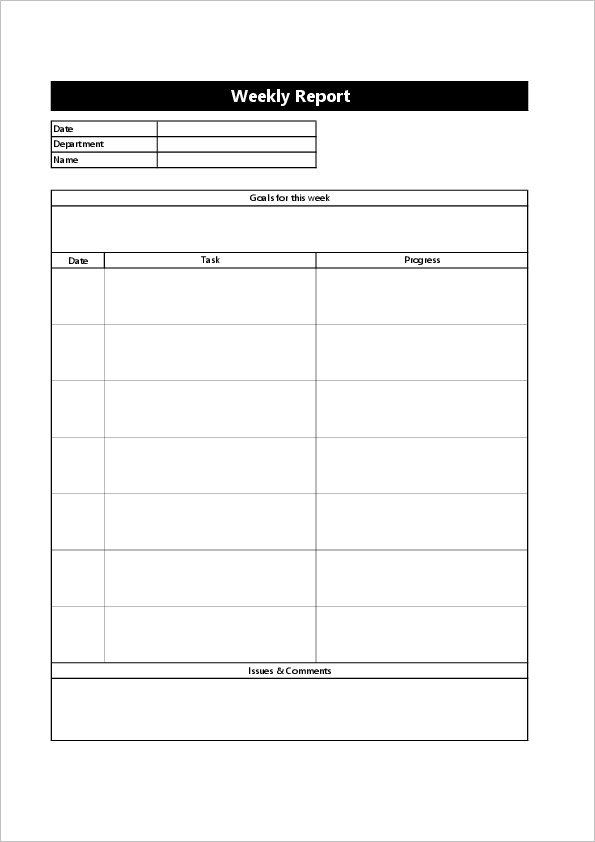
A weekly report is used to report work done during the week. It usually includes weekly tasks, progress, achievements, issues, and plans for the next week.
Compared with a daily report, a weekly report should show the flow of work. What moved forward? What was delayed? What needs support? These points matter more than writing every small task in detail.
For Japanese-language weekly report formats, see our Japanese weekly report templates.
Monthly Report Templates
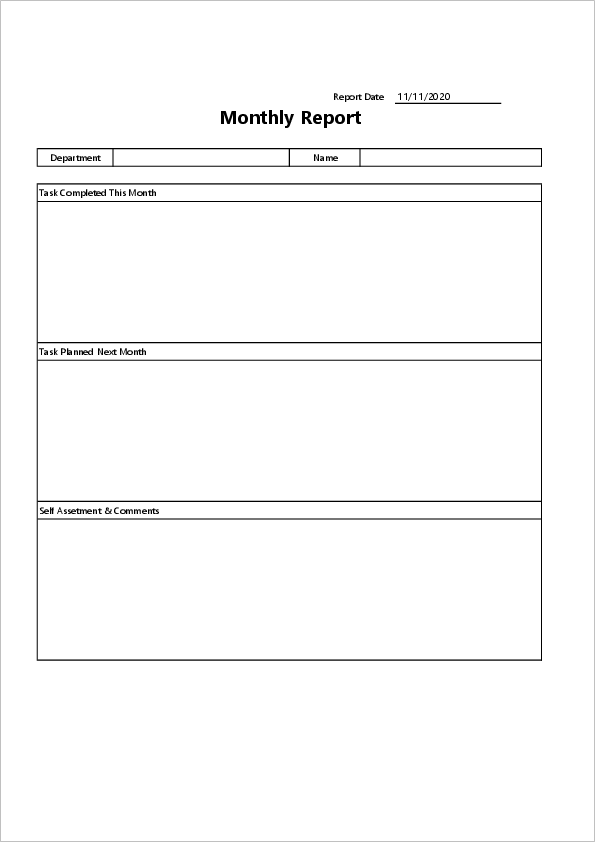
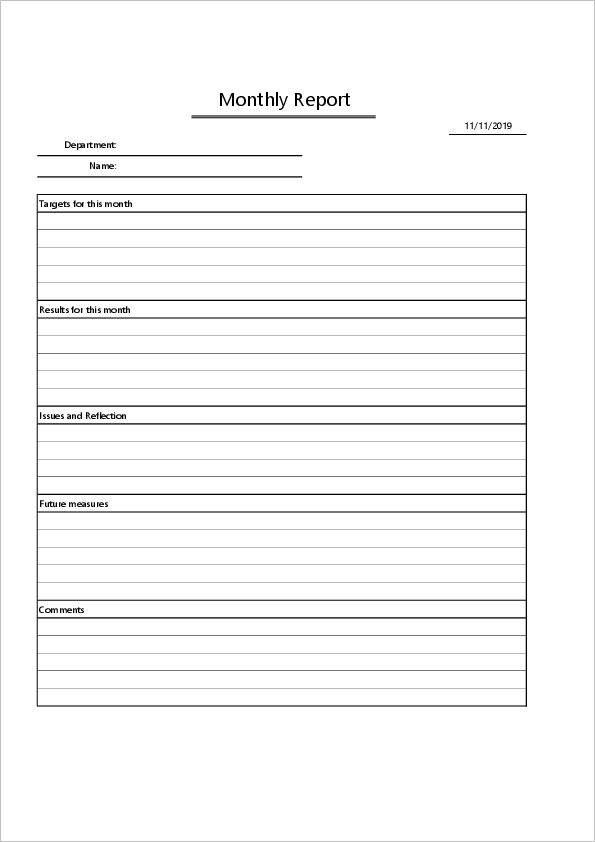
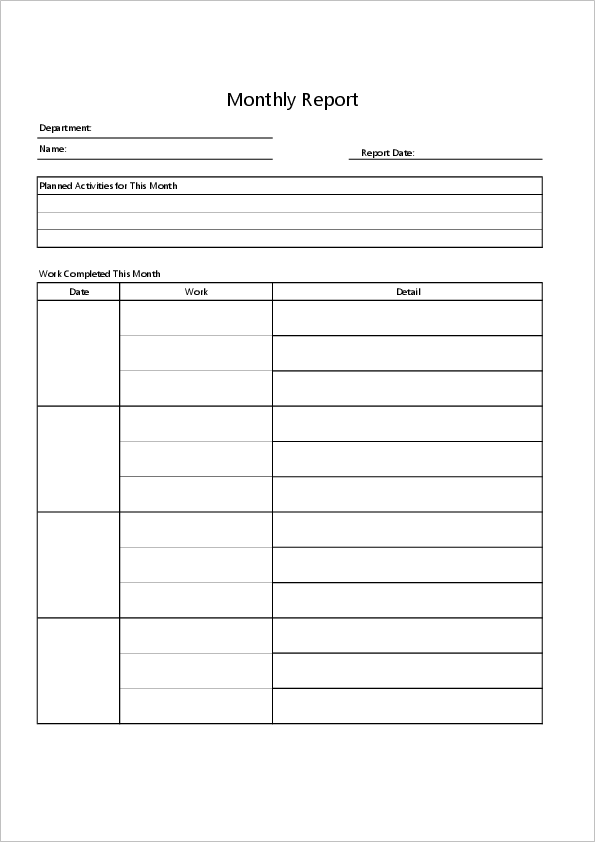
A monthly report is used to summarize work results and achievements over a month. It is often used for general business reporting, sales reporting, department reporting, and management review.
The layout of a monthly report can vary depending on the purpose. A sales team may need goals, sales amounts, costs, and profit. An office team may need completed work, pending tasks, problems, and plans for next month.
For Japanese-language monthly report formats, see our Japanese monthly report templates.
Monthly Business Report
Monthly Sales Report
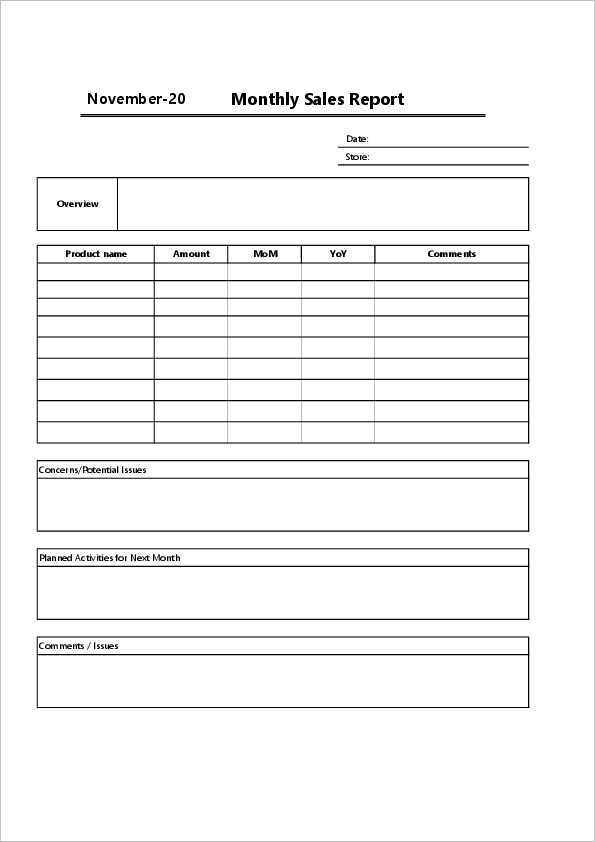
These monthly sales report templates can be used to record monthly sales, costs, profit, and sales activity results. They are useful for stores, sales teams, and small businesses that want to review sales performance in Excel.

How to Write a Business Report
A business report should be easy to read and easy to check. This sounds obvious, but it is where many reports become hard to use.
The basic rule is to separate facts from opinions. Facts include completed tasks, numbers, dates, progress rates, customer names, and results. Opinions include reflections, concerns, ideas, and requests for support. Both are important, but mixing them together makes the report harder to read.
- Report date and reporter name
- Tasks or activities
- Progress and results
- Problems or issues
- Requests or items to share
- Next actions or plans
A common mistake is writing only the activity. For example, “Prepared documents” does not tell the reader much. “Prepared quotation draft, completed 80%, waiting for price confirmation from the sales manager” is much clearer.
This is especially useful in Japanese business settings, where reports may be checked by more than one person. A manager may read it first, then another department may check it later. Clear dates, numbers, and next actions reduce small back-and-forth questions.
Daily, Weekly, and Monthly Reports: What Is the Difference?
Daily, weekly, and monthly reports look similar, but they are not used in exactly the same way.
| Report Type | Main Purpose | Useful Items |
|---|---|---|
| Daily Report | Record today’s work and share next actions | Tasks, progress, issues, tomorrow’s plan |
| Weekly Report | Review weekly progress and problems | Achievements, delays, challenges, next week’s plan |
| Monthly Report | Summarize monthly results and goals | Results, numbers, goals, reflections, next month’s plan |
For daily reports, write what happened today. For weekly reports, write the flow and progress of the week. For monthly reports, focus more on results, goals, and improvement points.
I think the easiest way is to use the same basic structure for all three, then change the level of detail. Daily reports are close-up. Weekly reports are one step back. Monthly reports are more like a review from above.
Tips for Writing Reports Efficiently
Writing reports at the end of the day or month can feel heavier than it should. The part that takes time is usually not writing itself, but remembering details.
A simple trick is to leave short notes while you work. Customer name, task status, issue, next action. Just a few words are enough. Later, you can turn those notes into a report without trying to remember everything from scratch.
- Use the same format every time
- Write short sentences or bullet points
- Use numbers when possible
- Write the result, not only the activity
- Include the next action and deadline
- Check names, dates, and figures before submitting
One thing I would avoid is vague progress wording. Words like “almost done” or “in progress” are easy to write, but they can be unclear. “80% complete, final check tomorrow morning” is much better.
Business Reports in Japanese Companies
When working with Japanese companies, regular reports may be expected even when the work itself is going smoothly. This is not always because the company wants more paperwork. Often, reports are used to share context, prevent missed tasks, and keep managers informed before problems become bigger.
The tone should usually be polite and factual. It does not need to sound stiff, but it should be clear enough for someone outside your immediate team to understand.
For sales reports, customer names, meeting dates, and next actions are especially important. For office reports, progress status, pending approvals, and deadlines are often the parts managers want to check first.
Another small point: if the report is printed or saved as a file, a clean layout matters. Japanese offices often file documents by date, department, or project. A simple Excel report with a consistent title, date, and reporter name is easier to keep and find later.
Summary
Business reports are simple documents, but they become useful when they are written in a clear and consistent format.
A daily report helps you record today’s work and prepare for tomorrow. A weekly report helps you look back at progress and issues. A monthly report helps summarize results, goals, and improvement points.
Using an Excel business report template saves time because you do not have to create the format from scratch. Start with a simple template, keep the report specific, and write the result and next action whenever possible. That is usually enough to make the report useful without making it feel like extra paperwork.