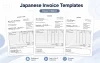
Download free Japanese delivery note templates in Excel and Word. These templates are designed for overseas companies, freelancers, and professionals who need to send a delivery note (nohinsho) to Japanese customers or business partners.
The templates use a clean Japanese-style layout, but the main labels are written in English. A bilingual English-Japanese version is also included, so the document can be checked more easily by Japanese warehouse staff, purchasing teams, accounting staff, or managers.
A delivery note may look like a simple document, but in Japan it is often used as part of the delivery and checking process. The customer may compare it with the actual goods, the purchase order, or the invoice later. So, even if the document is not asking for payment, it should still be tidy and easy to file.
Free Japanese Delivery Note Templates
Choose the delivery note template that fits your transaction. All templates are free to download and can be edited in Excel or Word.
Japanese Delivery Note Template 01
Basic delivery note with optional tax field

This is a basic Japanese-style delivery note template. It includes common fields such as delivery note number, delivery date, customer name, subject, item description, quantity, unit, unit price, amount, subtotal, tax field, and total amount.
The tax field is optional, so you can enter a tax amount manually, leave it blank, or use "N/A" depending on the transaction.
Japanese Delivery Note Template 02 with Consumption Tax
Excel delivery note with automatic 10% consumption tax calculation

This Excel template automatically calculates 10% consumption tax. It is useful when you want to show subtotal, consumption tax, and total amount clearly on a delivery note for a Japanese business transaction.
This template is provided as an Excel file only because the main feature is automatic calculation.
Bilingual Japanese Delivery Note Template 03
English-Japanese delivery note with optional tax field

This bilingual version includes both English and Japanese labels, such as "Delivery Date / 納品日" and "Item Description / 品目・内容". It is useful when the document is prepared by English-speaking staff but checked by Japanese staff or managers.
The tax field is optional, so it can be used for different types of transactions without forcing automatic tax calculation.
What Is a Japanese Delivery Note?
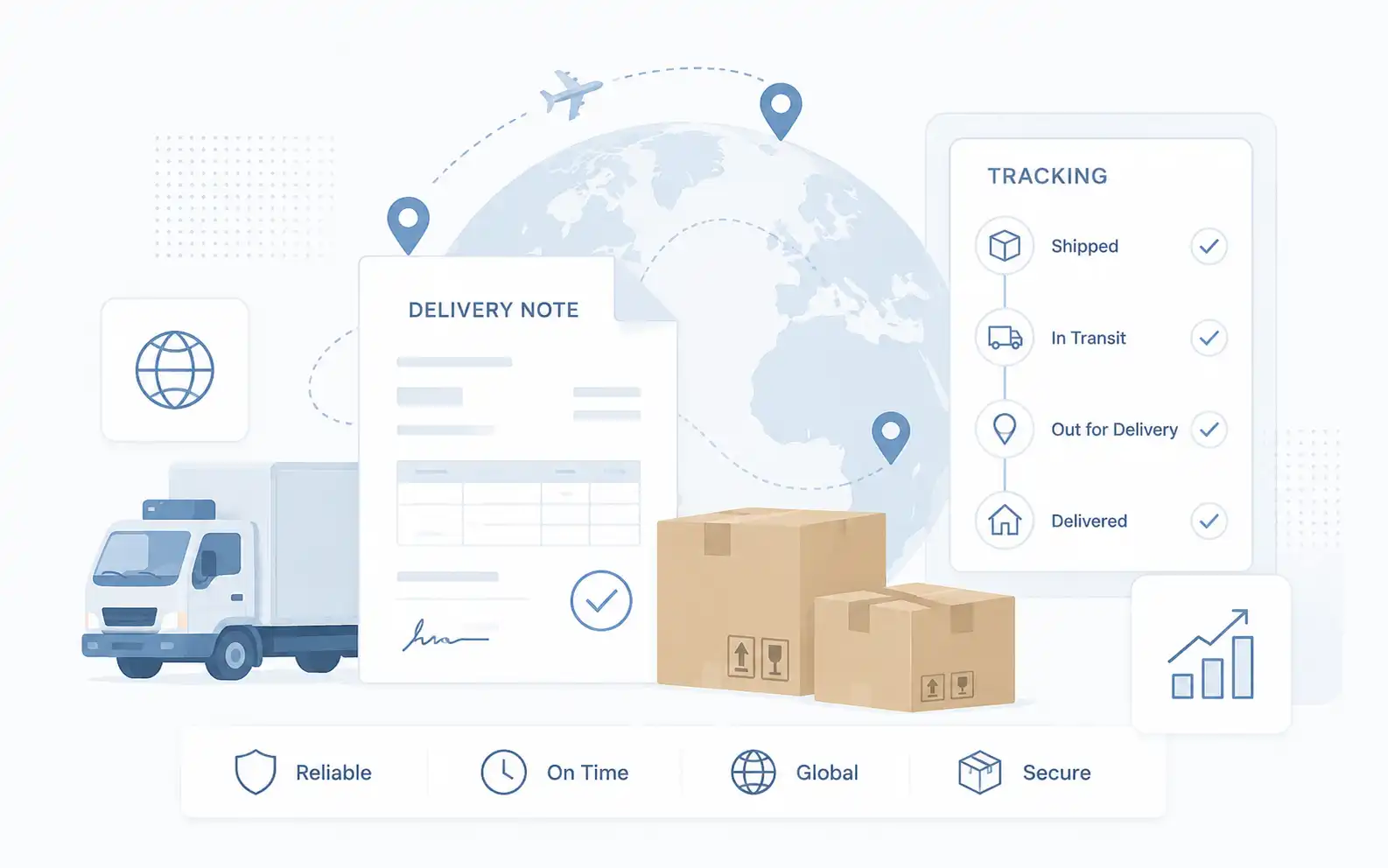
A Japanese delivery note is a document used to show what has been delivered to a customer. In Japanese, this document is commonly called a "nohinsho."
It is not usually a payment request. That role belongs to the invoice. A delivery note is mainly used to confirm the delivered items, quantities, delivery date, and sometimes the related amount.
In Japan, delivery notes are often checked by more than one person. For example, the person who receives the goods may check the quantity first. Later, another person in purchasing or accounting may compare the delivery note with the purchase order or invoice.
This is why the document should be simple and structured. A clean layout reduces small questions like "What was delivered?" or "Is this the same item as the purchase order?" Those questions feel small, but they can slow down internal processing.
If you need a Japanese-language format, you can also see our Japanese delivery note templates.
Which Template Should You Use?
If you are not sure which one to use, start with Template 01.
| Template | Best for | Tax field | Format |
|---|---|---|---|
| Japanese Delivery Note Template 01 | General deliveries where tax does not need to be calculated automatically | Manual / optional | Excel / Word |
| Japanese Delivery Note Template 02 with Consumption Tax | Deliveries where 10% Japanese consumption tax should be shown | Automatic 10% calculation | Excel |
| Bilingual Japanese Delivery Note Template 03 | Documents checked by both English and Japanese readers | Manual / optional | Excel / Word |
Template 01 is the easiest starting point for most business transactions. It includes the main fields that Japanese customers expect to see, but the tax field is not fixed. You can enter the tax amount manually, leave it blank, or write "N/A" if tax does not apply.
Template 02 is more specific. Use it when you need to show Japanese consumption tax at 10%. Since it automatically calculates tax and total amounts, it is provided as an Excel file only.
Template 03 is practical when the delivery note will be shared across teams. The English labels help overseas staff edit the file, while the Japanese labels make it easier for the Japanese side to understand it quickly.
Common Items in a Japanese Delivery Note
A standard Japanese delivery note usually includes the following items:
- Delivery note number
- Delivery date
- Customer name
- Issuer information
- Subject or project name
- Item description
- Quantity
- Unit
- Unit price, if needed
- Amount, if needed
- Subtotal
- Tax amount, if applicable
- Total amount, if applicable
- Notes
Not every delivery note needs all of these items. For a simple delivery, item name, quantity, and delivery date may be enough. Still, if the document will be checked by purchasing or accounting, showing amounts can make the internal process smoother.
One common mistake is using a product description that is too short. For example, "Part A" may be clear to the sender, but not to the person checking the goods in Japan. If possible, use a name that matches the quotation, purchase order, or invoice. This makes later checking much easier.
Delivery Note or Invoice: What Is the Difference?
A delivery note and an invoice are often used close together, but they have different purposes.
| Document | Main purpose | Typical timing |
|---|---|---|
| Delivery Note | To confirm what was delivered | At the time of delivery or shipment |
| Invoice | To request payment | After delivery, completion, or according to payment terms |
| Purchase Order | To place an order | Before delivery |
A delivery note does not always need a payment due date or bank account information. If you add too much invoice-like information, the document can become confusing.
In practice, I would keep the delivery note focused on delivery details. Then use the invoice for payment details. It feels cleaner, and it is easier for the Japanese side to process.
Typical Document Flow in Japanese Business
In many Japanese business transactions, the document flow looks like this:
Typical document flow
Step 1
›
Step 2
›
Step 3
›
Step 4
›
Step 5
The order may vary depending on the company or contract, but this flow is easy to understand.
For Japanese companies, documents are often used to connect departments. Sales, purchasing, warehouse, accounting, and management may all look at different parts of the same transaction. A delivery note helps the customer confirm that the ordered goods or services were actually delivered.
Japanese Business Customs to Keep in Mind
Japanese companies often prefer documents that are clean, consistent, and easy to file. This sounds basic, but it matters.
A delivery note may be printed, stamped, scanned, attached to an internal system, or placed in a folder with the purchase order and invoice. If the layout is messy or the item names do not match other documents, someone may need to check the details again.
Another point is the customer name. In Japan, the official company name is often written carefully on business documents. If you know the formal company name, use it instead of a shortened version.
For example, avoid writing only a brand name or a person's name when the document is for a company. Use the company name, department name, and contact person if needed. It looks more natural for Japanese business use.
About Amount and Tax Fields
A delivery note may include prices, but it does not always have to.
If the delivery note is used mainly for internal receiving work, the person checking the delivery may only need the product name, quantity, and delivery date. On the other hand, if the delivery note is also used as a supporting document for purchasing or accounting, including unit price and amount can be useful.
Japanese consumption tax may also appear on some delivery-related documents, but the delivery note itself is not usually the main tax document. If you are not sure whether tax should be shown, Template 01 or Template 03 is safer because the tax field is optional. Use Template 02 only when the transaction clearly requires 10% Japanese consumption tax.
Recommended English Labels for a Japanese Delivery Note
The wording should be simple and easy to understand. Here are recommended English labels for a Japanese delivery note.
| English label | Japanese meaning |
|---|---|
| Delivery Note No. | 納品書番号 |
| Delivery Date | 納品日 |
| To | 宛先 |
| From | 発行者 |
| Subject | 件名 |
| Item Description | 品目・内容 |
| Quantity | 数量 |
| Unit | 単位 |
| Unit Price | 単価 |
| Amount | 金額 |
| Subtotal | 小計 |
| Consumption Tax / Tax | 消費税 / 税 |
| Total | 合計 |
| Notes | 備考 |
For the customer field, "To" is usually enough. "Bill To" is better for invoices, but it can feel slightly off on a delivery note because the document is not mainly about billing.
For the title, "Delivery Note" is the clearest wording. "Packing Slip" may be used in some English-speaking countries, but for a Japanese nohinsho, "Delivery Note" is easier to understand as a business document.
How to Use the Template
- Download the Excel or Word file.
- Enter your company information.
- Add the customer name and delivery note number.
- Enter the delivery date and subject.
- Fill in the item description, quantity, and unit.
- Add unit price and amount if needed.
- Check the subtotal, tax field, and total amount.
- Check that the item names match the quotation, purchase order, or invoice.
- Save the file as PDF before sending it to the customer.
Before sending the delivery note, check the quantity and item names one more time. This is where mistakes happen most often.
Personally, the point I would pay attention to is the item description. If the same item is called different names on the quotation, purchase order, delivery note, and invoice, someone will probably ask about it later. Keeping the wording consistent saves time.
Common Mistakes to Avoid
Here are a few mistakes that can cause confusion when sending a delivery note to a Japanese company.
- Using item names that do not match the purchase order or invoice
- Leaving the delivery date blank
- Mixing invoice information into the delivery note
- Using the automatic tax version when tax treatment is not confirmed
- Using an informal customer name instead of the official company name
The biggest issue is usually not the design. It is consistency.
If the purchase order says "NA0011-BC" but the delivery note says "Blue component," the receiving team may not know whether they are the same item. Even when both are technically correct, it creates extra checking work.
FAQ
Is a delivery note the same as an invoice?
No. A delivery note confirms what was delivered. An invoice requests payment. In many cases, both documents are used, but they should not be treated as the same document.
Can I use this delivery note template for a Japanese company?
Yes. These templates are designed for deliveries to Japanese companies. They use a clean Japanese-style layout with English labels, so overseas users can edit them easily.
Should I include prices on a delivery note?
It depends on how the customer uses the document. If the delivery note is also checked by purchasing or accounting, showing prices may be useful. If the customer only needs to confirm the delivered items and quantities, prices may not be necessary.
What is the difference between Template 01 and Template 02?
Template 01 has an optional tax field and is available in both Excel and Word. Template 02 automatically calculates 10% consumption tax and is available as an Excel file only.
Should I include consumption tax?
Not always. A delivery note is not usually the main tax document. If you are not sure, use the optional tax version or leave the tax field blank. Use the automatic tax version only when you need to show 10% Japanese consumption tax.
Can I send the delivery note as a PDF?
Yes. After editing the Excel or Word file, it is usually better to export it as a PDF before sending it. This helps prevent layout changes and makes the document easier to file.
Can I edit the bilingual Japanese labels?
Yes. You can edit or remove the Japanese text if it is not needed. The bilingual version is included to make the document easier for Japanese readers to check.
Related Resources
If you need other Japanese business document templates, the following pages may also be useful.
- Japanese Business Document Templates
- Japanese Quotation Template
- Japanese Invoice Template
- Japanese Purchase Order Template
Summary
These Japanese delivery note templates are useful when you need to send a clean delivery document to a Japanese customer or business partner.
For most users, Template 01 is the easiest starting point. It includes item details, quantity, amount, and an optional tax field, and it is available in both Excel and Word.
If you need to show 10% Japanese consumption tax, Template 02 is useful because it automatically calculates the tax and total amount. This version is available as an Excel file only.
If the document will be checked by both English and Japanese readers, Template 03 is the most practical choice.
A delivery note is a small document, but in Japanese business it can help the customer check, file, and process the transaction smoothly. Keep the item names consistent, show the delivery date clearly, and avoid mixing it up with the invoice.