When doing business with a Japanese company, the document format can feel a little different at first. The basic information is familiar — company name, date, amount, item details, payment terms, and contact person — but the layout and order often follow Japanese business customs.
For example, an estimate may be expected before an order is confirmed. A delivery note may be requested even when the goods have already arrived. An invoice usually separates subtotal, consumption tax, and total amount clearly. These are small points, but they can slow down communication if the format feels unfamiliar.
I have seen cases where the content was correct, but the recipient still asked, “Could you send it in the usual Japanese format?” In Japan, the format itself often helps accounting, purchasing, and administrative staff check the document quickly.
Free Japanese business templates
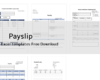
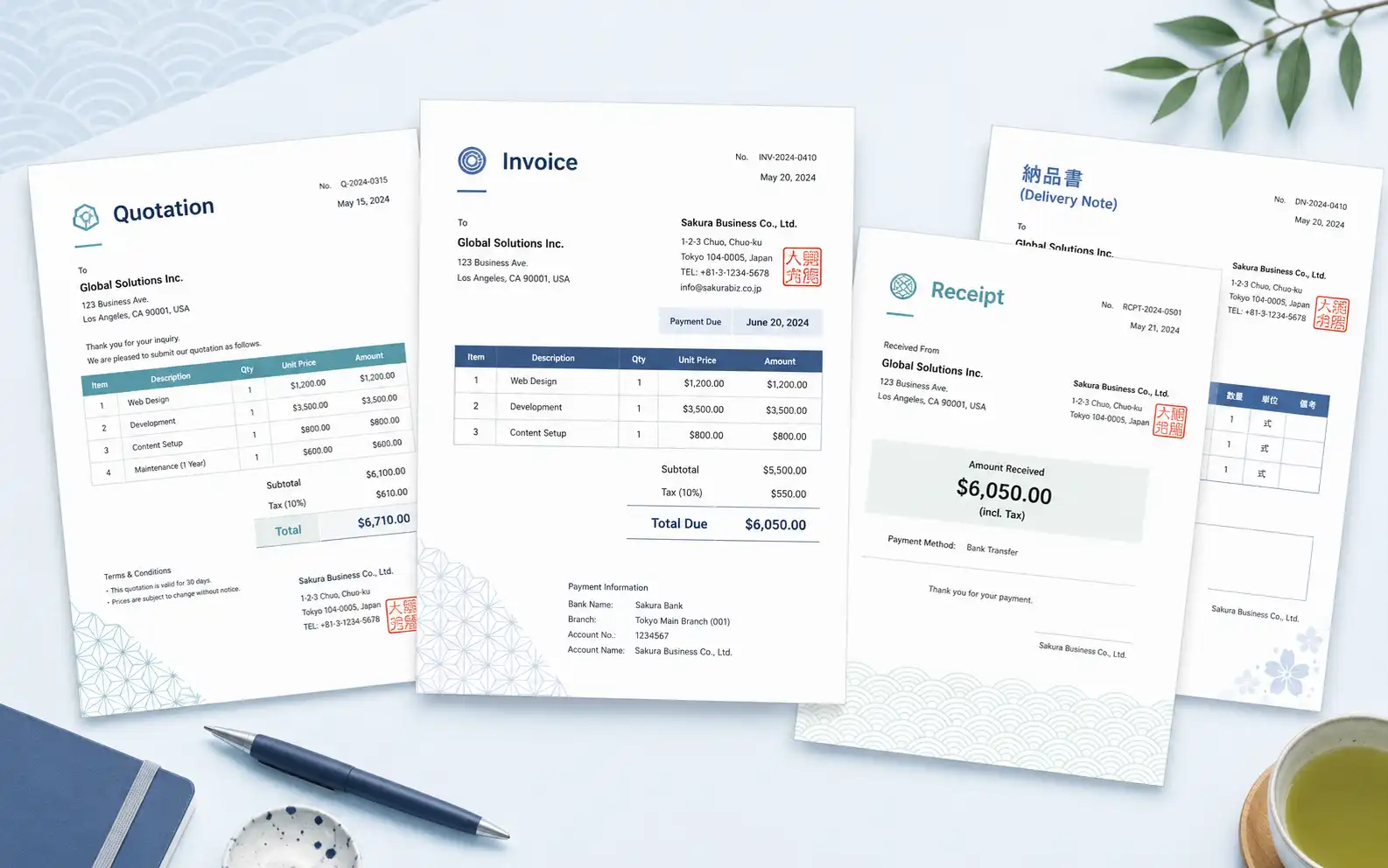
This page provides free Word and Excel templates for common Japanese business documents. The main templates cover the basic transaction flow: quotation, purchase order, delivery note, invoice, and receipt.
For overseas companies, the difficult part is not only the language. It is also the layout. Japanese companies often prefer documents that are clean, structured, and easy to file. A familiar format can reduce unnecessary back-and-forth, especially when the document is checked by several departments.
Japanese QuotationTemplate
Japanese name: 見積書
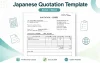
Use this template when you propose a price before an order is confirmed. In Japan, an quotationis often treated as an important step before issuing a purchase order, so it is better to show item details, quantity, unit price, tax, and total amount clearly.
One point that is easy to miss is the validity period of the quotation. If prices may change, add a clear expiration date such as “Valid until yyyy/mm/dd.” It saves a small but annoying confirmation later.

Japanese Purchase Order Template
Japanese name: 発注書
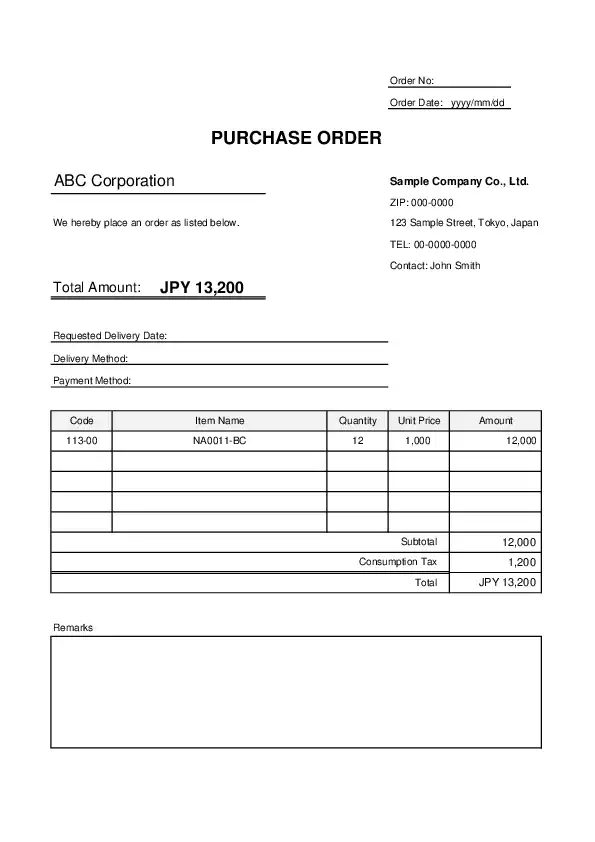
Use this template when formally ordering products or services from a supplier. In Japanese business, a purchase order often acts as the clear record that the order has been confirmed.
Before sending it, check the delivery date, quantity, unit price, delivery location, and contact person. A small mismatch here can create confusion later, especially when sales staff and warehouse staff are checking different documents.
Japanese Delivery Note Template
Japanese name: 納品書
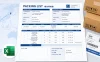
Use this template when shipping products or handing over goods. A delivery note helps the recipient check what was delivered, when it was delivered, and whether the details match the order.
Even if the invoice is sent separately, Japanese companies may still request a delivery note. It can feel a bit repetitive at first, but it helps purchasing and accounting keep their records clean.

Japanese Invoice Template
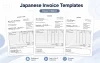
Japanese name: 請求書
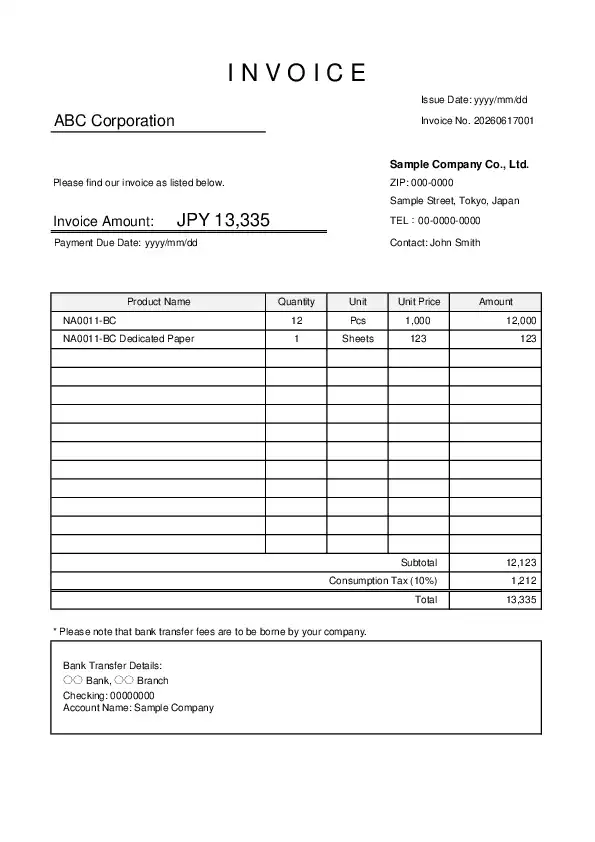
Use this template when billing a Japanese company for goods or services. A Japanese-style invoice normally includes the invoice number, issue date, client name, itemized details, subtotal, consumption tax, total amount, payment due date, and bank transfer information.
The payment deadline should not be hidden in a note at the bottom. Put it where the recipient can find it quickly. This is one of those small layout points that makes the document feel much easier to process.
Japanese Receipt Template
Japanese name: 領収書
Use this template when confirming that payment has been received. Japanese receipts usually show the payer name, received amount, purpose of payment, issue date, and issuer information in a very clear layout.
For accounting staff, the amount and payment purpose are the first things they check. Keep them easy to find. If the receipt is for bank transfer payment, make sure the wording does not sound like a cash receipt unless that is intended.

What are Japanese business templates?
Japanese business templates are ready-to-use forms based on document styles commonly used in Japan. They are useful for daily transactions such as quotation, purchase orders, delivery notes, invoices, and receipts.
In many countries, a simple spreadsheet or company letterhead may be enough. In Japan, however, business documents are often expected to be neatly arranged and easy to file. It is not about making the document decorative. Actually, the opposite is usually better. Clean, plain, and structured works well.
When to use each template
The easiest way to choose a template is to follow the transaction flow. In Japan, these documents are often used in a fixed order, especially in B2B transactions.
| Step | Template | When to use it |
|---|---|---|
| 1 | Quotation / Estimate | When proposing price, quantity, scope, or conditions before an order |
| 2 | Purchase order | When the buyer formally confirms the order |
| 3 | Delivery note | When goods are delivered or services are handed over |
| 4 | Invoice | When requesting payment after the transaction is confirmed |
| 5 | Receipt | When confirming that payment has been received |
This order is not always strict. Some companies skip certain documents, and some ask for their own format. Still, knowing the basic flow makes it easier to respond when a Japanese partner asks for a “quotation,” “purchase order,” or “delivery note.”
Why use Japanese-style templates?
If your company already has its own global templates, you may not need to replace them completely. Large international companies often continue using their standard forms. But when dealing with small and mid-sized Japanese companies, local branches, or administrative departments, Japanese-style templates can make communication smoother.
This is especially true when a Japanese partner says something like, “Please send an invoice in our usual format,” or “Could you prepare a quotation form?” In that situation, a familiar document layout is often more helpful than a beautifully designed overseas format.
Common mistakes when preparing documents for Japanese companies
A common mistake is translating only the words and ignoring the format. The document may include all necessary information, but if the tax amount, payment deadline, or company information is hard to find, the recipient may still ask for a revised version.
Another mistake is making the document too casual. Japanese business documents usually have a formal, quiet appearance. Strong colors, large decorations, and unusual layouts can feel distracting. A simple A4 layout is usually safer.
Also, check the paper size before sending the file. Japanese documents are commonly designed for A4 paper. If your default setting is Letter size, the layout may shift when printed. This sounds minor, but it is one of those things that causes trouble right before sending.
Word or Excel: which should you use?
Both Word and Excel are commonly used for business documents in Japan. The better choice depends on how you want to edit the document.
| Word | Excel | |
|---|---|---|
| Best for | Documents with longer text, notes, explanations, or formal wording | Documents with amounts, tax, totals, itemized lists, or repeated transactions |
| Good for | Simple forms, notices, cover letters, and text-heavy documents | Quotation, purchase orders, delivery notes, invoices, and receipts |
| Main advantage | Easy to write and adjust text naturally | Easy to calculate, copy rows, and reuse the same format |
If the document includes amounts, tax, totals, or itemized items, Excel is usually the safer choice. It reduces calculation mistakes and makes it easier to reuse the same format for the next transaction. Word is better when the document needs more natural sentences or formal wording.
How to choose and use a template
Choose by business purpose
Start with the purpose of the document. Names can become confusing in cross-border work. “Estimate,” “quotation,” and “pro forma invoice” may be used differently depending on the company. When you are not sure, it is better to ask a short question first.
For example: “Would you prefer an quotation format or an invoice format?” This one message can prevent a surprising amount of rework.
Checklist before sending
- Company name is written correctly
- Issue date is correct
- Document number is included if needed
- Item details, quantity, and unit price are clear
- Subtotal, consumption tax, and total amount are separated
- Payment deadline is easy to find
- Delivery date or service period is included when needed
- Contact person is listed
- The file is saved as PDF if layout stability matters
Are these templates suitable for overseas companies?
Yes. These templates are especially useful if your company works with Japanese clients, suppliers, distributors, subsidiaries, or partners. They help non-Japanese users prepare documents that feel familiar in a Japanese business setting.
They are also useful for Japanese companies that need English versions of their usual documents. In many cases, keeping the Japanese-style layout and changing the content to English works better than creating a completely different overseas-style document.
For new staff, the templates also work as a quick guide. You can see what information is usually expected, where it should be placed, and how the document flows from quotation to payment.